
Troubleshooting
Esta página aún no está disponible en tu idioma.
Start with the panel’s device in Home Assistant, which has a status sensor and a diagnostics download, and with the panel’s own status page at its address on port 8888, whose /diag report answers most of the questions below without guesswork.
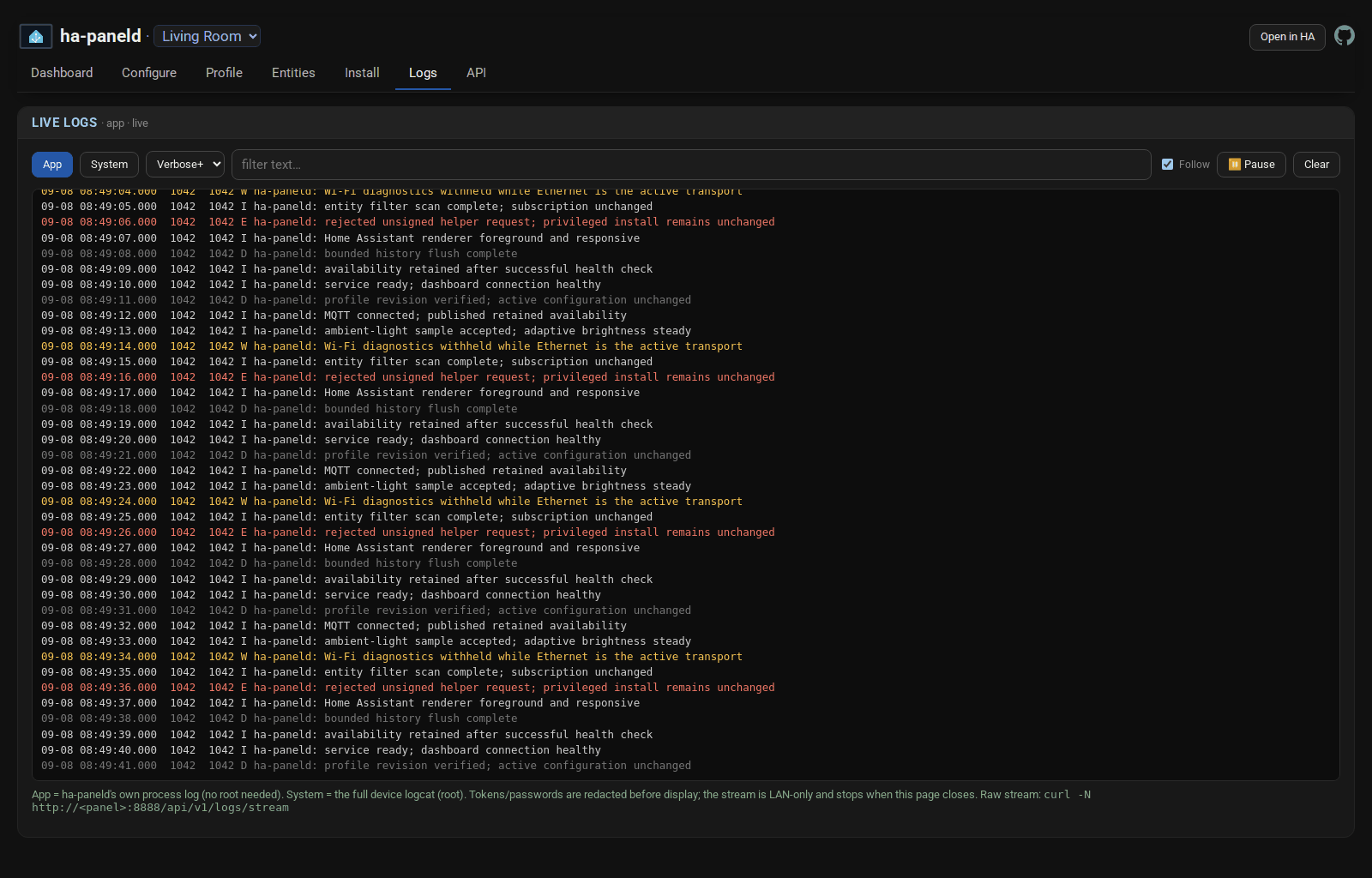
When you need to see what the panel is doing as it happens, the Logs tab on that page streams the panel app’s own log live, with tokens and passwords redacted.
The dashboard is blank, half-drawn, or full of script errors
Section titled “The dashboard is blank, half-drawn, or full of script errors”Check the system WebView first. This is the most common first-run failure by a wide margin, and an old WebView produces exactly these symptoms while looking like a fault in the panel app. The procedure is in Updating the system WebView.
If the WebView is current, the startup and recovery section covers what the panel does when a dashboard fails to load and how to see why.
The dashboard is slow
Section titled “The dashboard is slow”Some of this is the panel and some of it is the dashboard. Performance covers what the panel’s status page can measure and what tends to help, and the hardware reference ranks the supported panels so you can tell whether you are asking too much of the hardware.
The installer cannot reach the panel
Section titled “The installer cannot reach the panel”Over the network: confirm the panel’s address and that network ADB on TCP port 5555 is still turned on, because some panels turn it off again after a reboot. If the panel raises an authorisation prompt, accept it on the panel’s screen. Over USB: make sure you are using a Chromium-based browser, that the cable goes to the computer running the browser, and that USB debugging is on. How to reach developer options and turn debugging on differs per model and is covered in Prepare the panel and the hardware pages. If the panel simply will not accept a network connection, install over USB instead: the panel does not need network ADB, while your browser stays connected to Home Assistant for the verified release.
The panel’s hardware is missing from Home Assistant
Section titled “The panel’s hardware is missing from Home Assistant”If some entities appear and others do not, that is usually the hardware profile for the model rather than a connection problem. The hardware pages say what each panel exposes.
Something else
Section titled “Something else”If the answer is not on this site or in the reference documentation it links to, ask in the integration issues or, for anything about the panel app itself, the ha-paneld issues. Include the panel model, the version from the panel’s device page and the diagnostics download, because those three are what any answer will start from. The diagnostics are already redacted, but read them through before you post them in public and remove anything left that identifies your panel, your network or your Home Assistant setup.
Nos encantan Home Assistant y todo lo que hace Open Home Foundation.
Última actualización:
Comentarios
Los comentarios se guardan en el hilo de esta página en GitHub, así que cargarlos conecta tu navegador con GitHub. Este navegador recuerda tu elección y carga los comentarios de otras páginas cuando te desplazas hasta ellos.
Comentar sin una cuenta de GitHub