
Panel hardware
These pages record what is physically on each wall panel and how to drive it: SoC, LED control, sensors, buttons, NFC, Zigbee, relays and the route to adb and root. The devices ship with almost no public documentation, so the facts come from live units (rooted, userdebug builds with adb root, or unrooted units over adb), from reporter diagnostics, and from firmware analysis. Each panel page says which of those its facts rest on.
If your panel is not listed, start with device profiles, which describe a panel’s hardware without building anything. If your panel has a camera that the Camera card does not offer, see community profiles, and keep any unverified hardware fact marked as such.
Panels
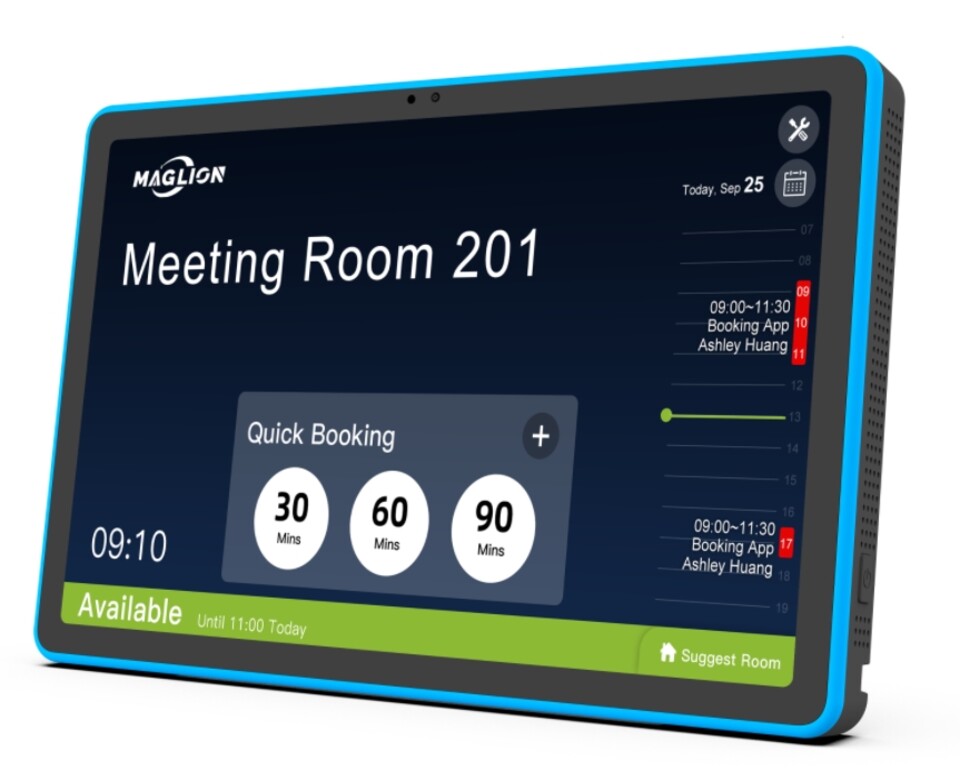
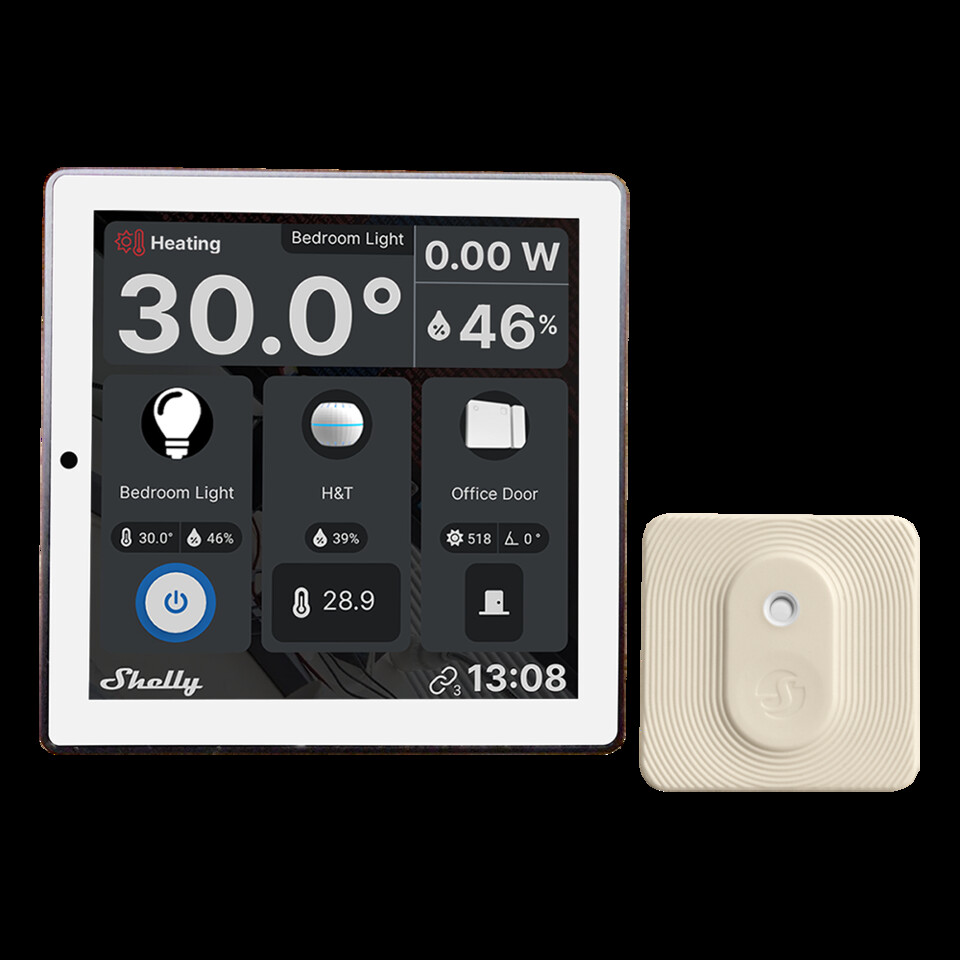
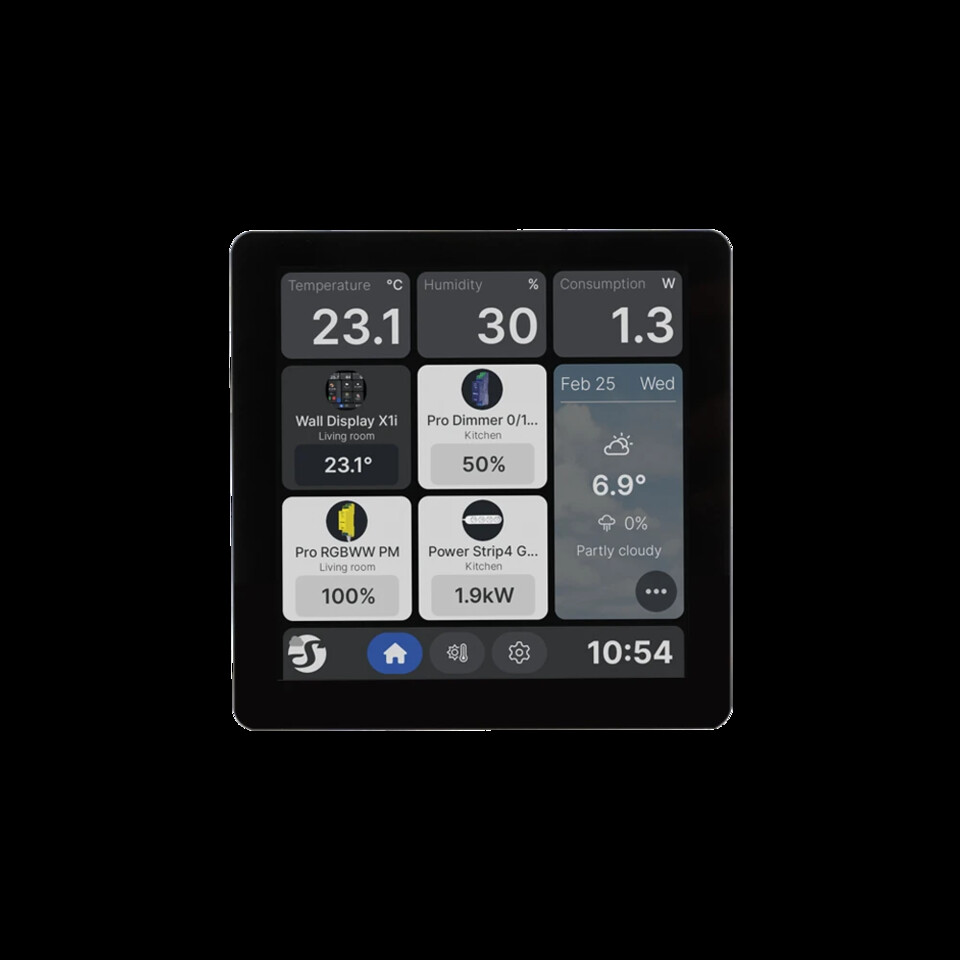
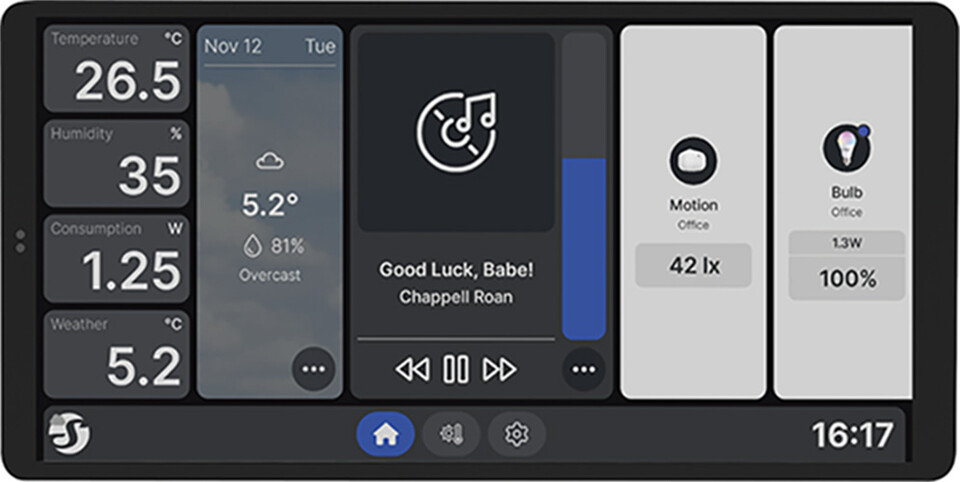
Section titled “Panels”| Photo | Panel | Vendor | Model | SOC | Android | Screen | Support | Root | Webview | Released |
|---|---|---|---|---|---|---|---|---|---|---|
| Electron WF1589T | Electron | WF1589T | Rockchip RK3576 | 14 | 10.1 in, 1920 × 1200 | Full | userdebug, adb root; rarely needed | Google Play, updates itself | not before 2024 (est., RK3576 SoC) | |
| Shelly Wall Display (original) | Shelly | Wall Display (original) | MT6580 | 7.0 | 4 in, 480 × 480 | Research | Not established; userdebug base build, unconfirmed | com.google.android.webview 119.0.6045.194 via official ZIP | 2023-09 (est.) | |
| Shelly Wall Display X1i | Shelly | Wall Display X1i | RK3326-S | 11 | 4 in, 720 × 720 | Research | Not established on this model | Not established (WallDisplayV2 track carries no OTA WebView package) | 2026-07 (est.) | |
| Shelly Wall Display X2 | Shelly | Wall Display X2 | SC7731E | 8.1 | 6.9 in, 1440 × 720 | Research | Not established on this model | Not established (WallDisplay track carries no OTA WebView package for this model) | 2025-01 (est.) | |
| Shelly Wall Display X2i | Shelly | Wall Display X2i | RK3326-S | 11 | 6.9 in, 1440 × 720 | Preliminary | No root; developer mode unlocks adb, and setup needs no more than that | Chromium 131.0.6778.200 on 2.5.4 | 2025-12 (est.) | |
| Shelly Wall Display XL | Shelly | Wall Display XL | RK3566 | 11 | 10.1 in | Research | Not established on this model | Not established (WallDisplayV2 track carries no OTA WebView package) | 2025-09 (est.) | |
| Smatek S9E | Smatek | S9E | Rockchip RK3566 | 11 | 10.1 in, 1920 × 1200 | Community-tested | Relays, button LEDs, proximity (unconfirmed su) | Chromium 83 on 2024-07; 131 on 2025-12 | not before 2021 (est., RK3566 SoC) | |
| Sonoff NSPanel Pro 120P | Sonoff | NSPanel Pro 120P | Rockchip RK3326-S | 8.1 | 4.7 in, 750 × 1334, portrait, landscape available | Full | userdebug, no adb password; su for backlight-off | Chromium 107 on 3.5.1; sideload LineageOS 138 | 2024-08 (est.) | |
| Sonoff NSPanel Pro 86P | Sonoff | NSPanel Pro 86P | Rockchip PX30 | 8.1 | 4 in, 480 × 480, portrait only | Full | userdebug, no adb password; su for backlight-off | Chromium 107 on 3.5.1; sideload LineageOS 138 | 2022-09 (est.) | |
| Tuya TPA10 | Tuya | TPA10 | Rockchip RK3566 | 11 | 10.1 in, 1920 × 1200 | Full | su present; helper for LED, climate, 5th button | Chrome 83; root swap to LineageOS 150 | 2023-08 (est.) | |
| ZHICAI SMT1019 | ZHICAI | SMT1019 | Rockchip RK3576 | 14 | 10.1 in, 1280 × 800 | Community-tested | None on stock; supplier userdebug build rooted | Google Play, update from the Play Store | ||
| ZX-SMT156 | OEM (ZX) | ZX-SMT156 / RK3566_T | Rockchip RK3566 | 13 | 15.6 in, 1920 × 1080 | Community-tested | No app su reported; other routes untested | Google WebView 149, current | 2025 (est., first listed) |
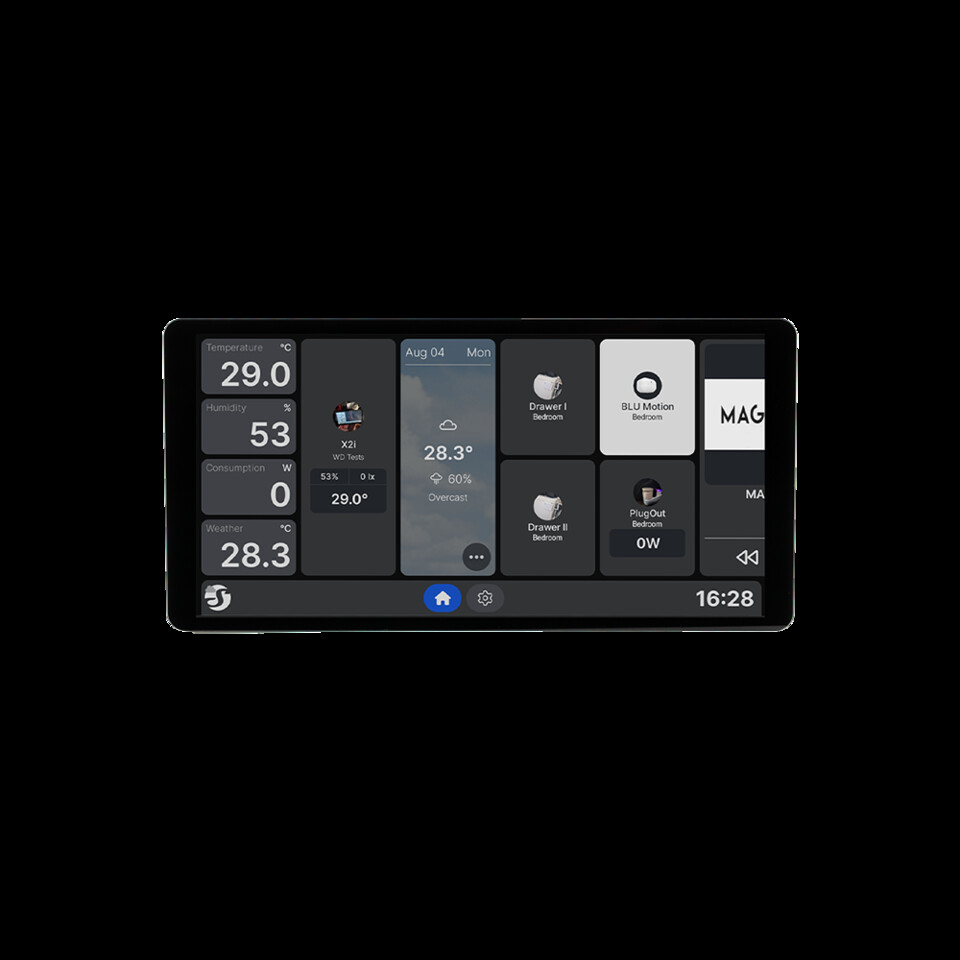
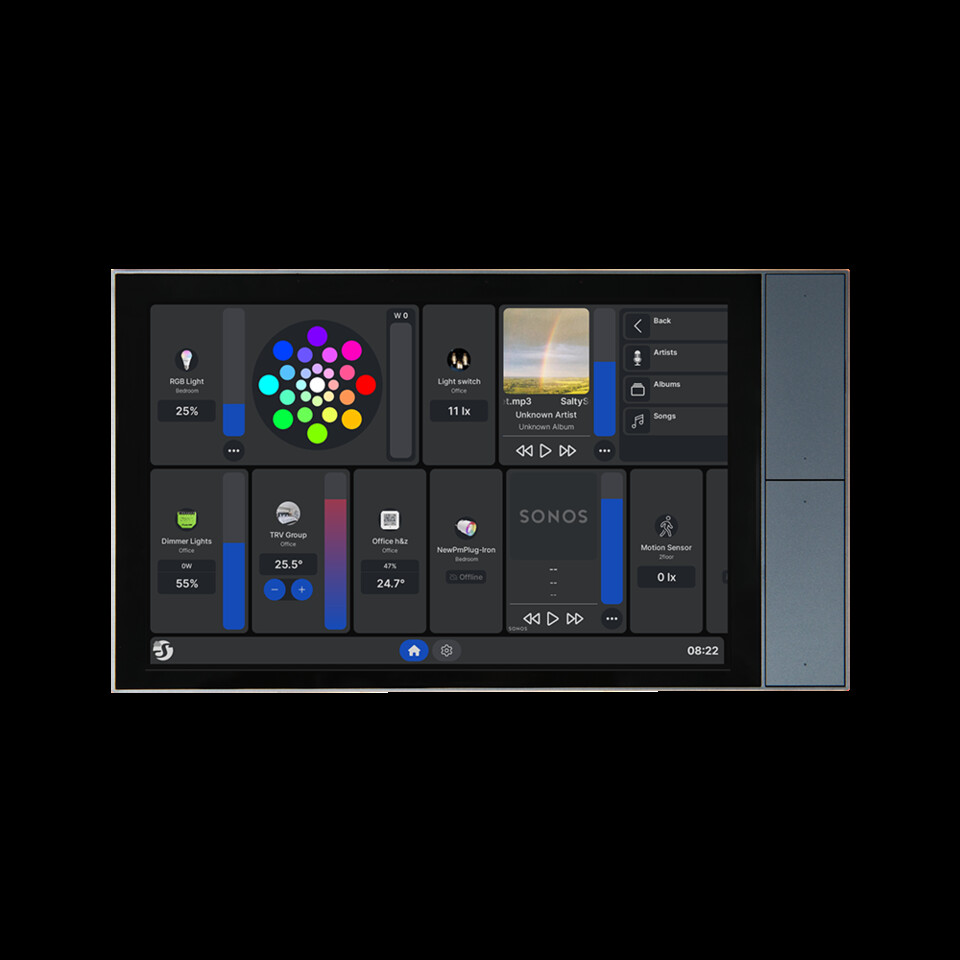
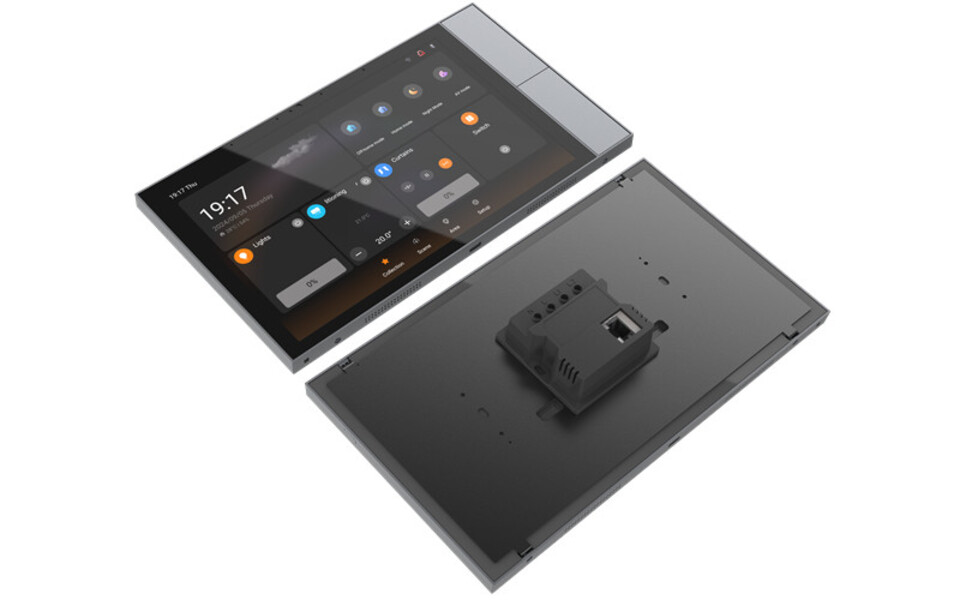
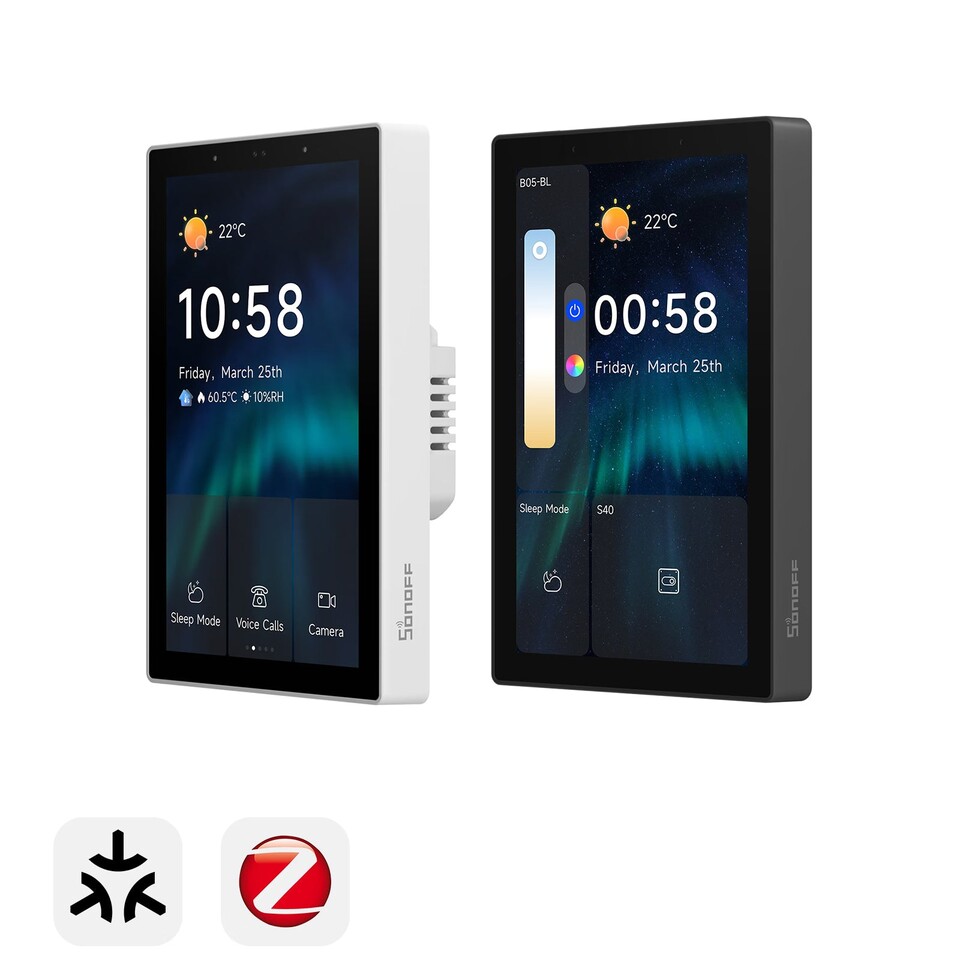
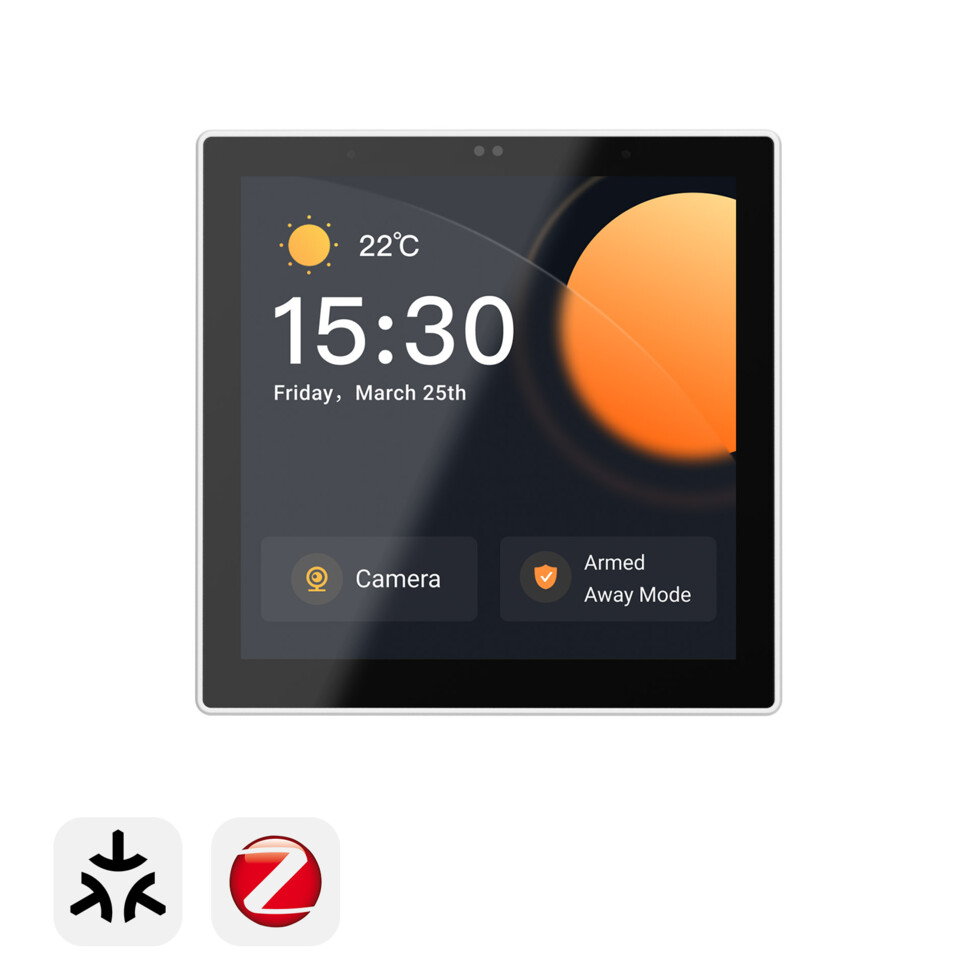
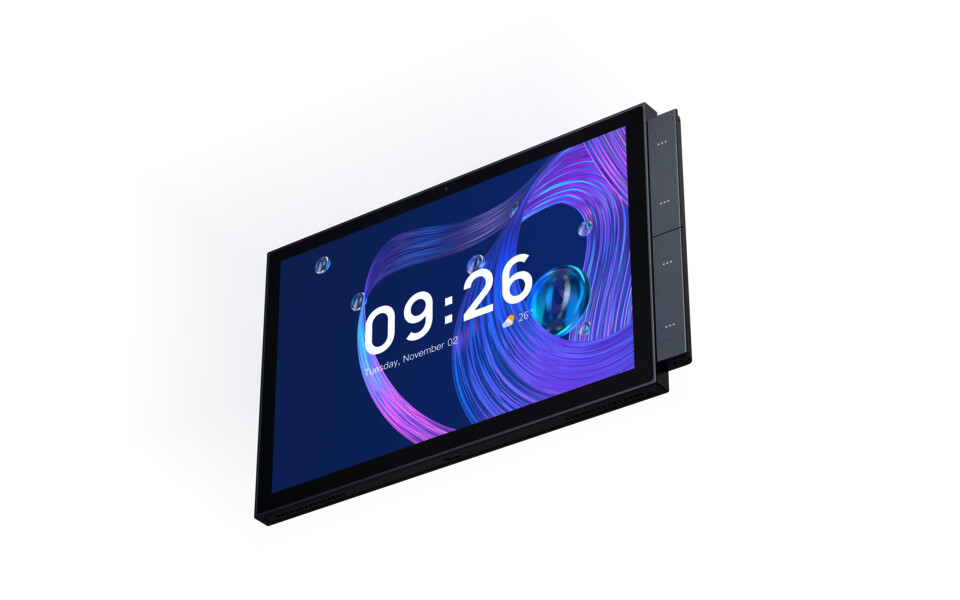
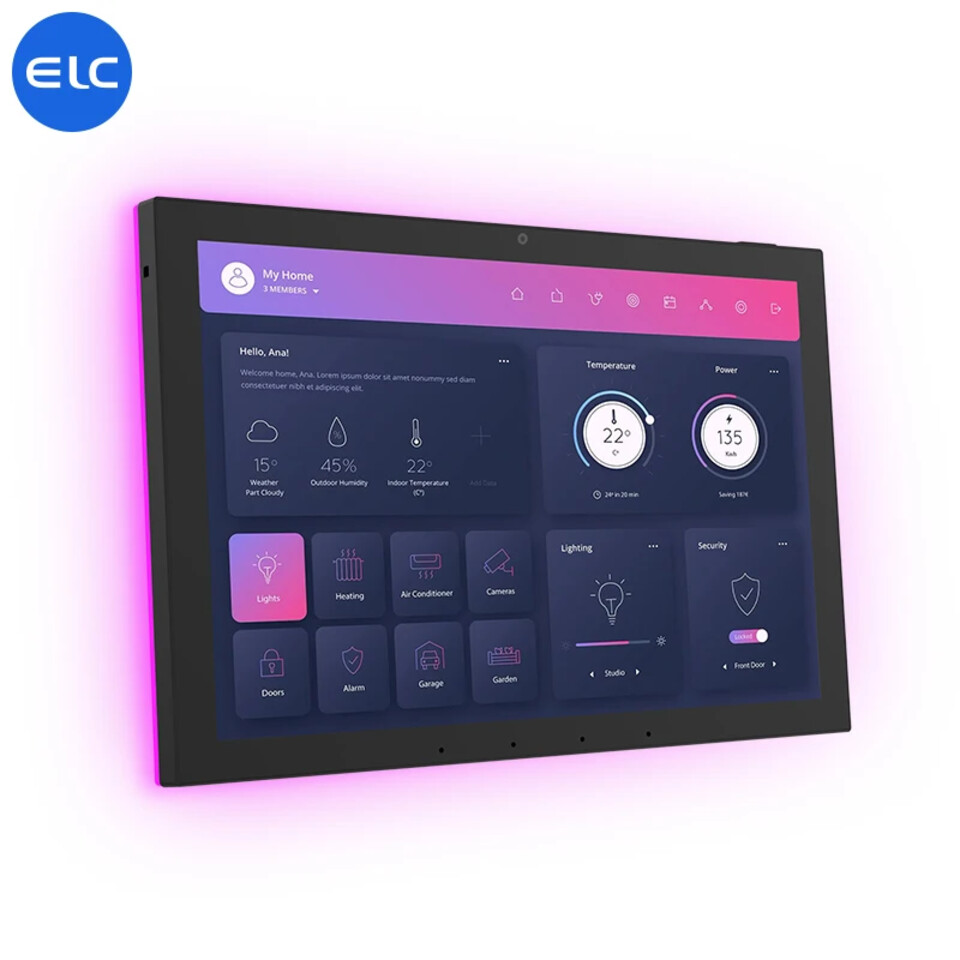
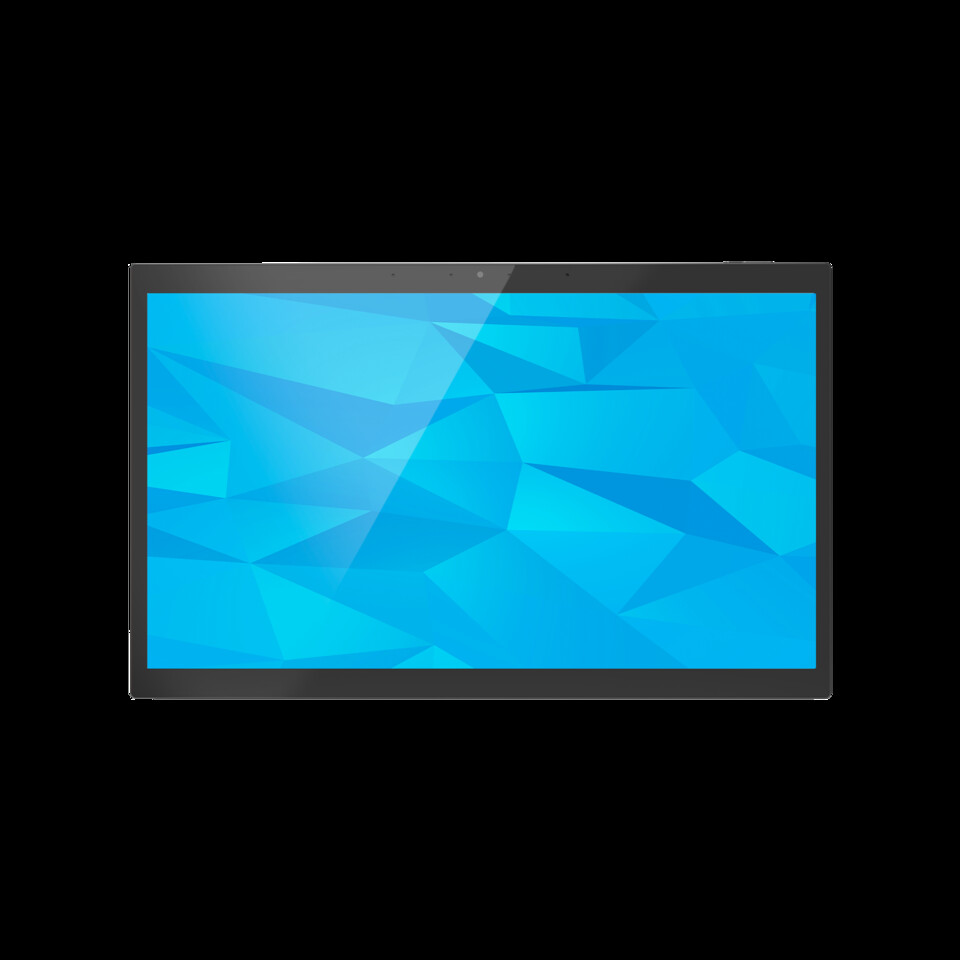
The support column uses the same terms as Choose a panel: full support, community-tested (reporter evidence, no local unit), preliminary (a profile built from one diagnostic report), experimental (implemented from reported control paths, untested on hardware) and research (firmware and documentation analysis only).
Guides and tools
Section titled “Guides and tools”- Gaining adb and root access: the general picture, with links to each model’s route.
- Updating the system WebView: the most common first-run failure on these panels, with per-panel stock versions and known-working replacements.
- Firmware backup and restore: partition backup over the network and Loader-mode restore for rooted Rockchip panels.
- Firmware: the Sonoff NSPanel Pro firmware index and the flashing procedure.
- Third-party tools: every external tool these pages rely on, and what each is for.
Method
Section titled “Method”- Real silicon. Bound I²C devices are read from
/sys/bus/i2c/devices/*/name, not from…/drivers/. Rockchip board support packages compile in hundreds of optional drivers, so thedrivers/listing over-reports badly. - Radios.
pm list features(nfc,consumerir,bluetooth,ethernetand so on) plus the nodes under/dev. - Android-exposed sensors.
dumpsys sensorservice. - Control surfaces.
/sys/class/leds,/dev, and each LED node’s own attributes. Some panels document themselves, for example the TPA10’savsux_infoandavsux_firmware.
Corrections and additions for other panels are welcome.
The Native navbar mode is enabled per profile, not tied to one manufacturer. The bundled WF1589T profile declares it because that firmware’s Android navigation bar has been verified. Other profiles can enable the same mode once their system bar has been confirmed.
Performance comparison
Section titled “Performance comparison”The three fully supported panels form a clear ladder: the Sonoff NSPanel Pro (PX30) is entry level, the Tuya TPA10 (rk3566) is mid-range and the Electron WF1589T (rk3576) is the most capable. Screen geometry is the first design constraint, and on the 2 GB panels RAM is the binding one. Figures come from the panel app’s own /perf endpoint and the device specifications.
Specification ladder
Section titled “Specification ladder”| NSPanel Pro (PX30) | TPA10 (rk3566) | WF1589T (rk3576) | |
|---|---|---|---|
| CPU | 4× Cortex-A35 at 1.5 GHz | 4× Cortex-A55 at 1.8 GHz | 4× A72 at 2.1 GHz plus 4× A53 at 1.9 GHz |
| RAM | 2 GB | 2 GB | 4 GB |
| GPU | Mali-G31 | Mali-G52 (2EE) | Mali-G52 (MC3) |
| Display | 480×480 square, about 4 in | 1920×1200 16:10, about 10.1 in, about 226 ppi | 1920×1200 16:10, about 10.1 in, about 226 ppi |
| Refresh | 60 Hz | 56 Hz | 60 Hz |
| Layout | base logical 160 dpi, 480×480 dp | base logical 240 dpi; 212 recommended | base logical 160 dpi, 1920×1200 dp, so the UI is tiny until you raise the density |
| Camera | none | GC05A2, Facing: Back; H.264 via OMX.rk.video_encoder.avc |
GC05A2, Facing: Front; H.264 via c2.rk.avc.encoder |
| Class | entry level | mid-range | high |
Live snapshot
Section titled “Live snapshot”This is illustrative, not a controlled benchmark: each panel under its own real workload.
| PX30 (mostly idle) | WF1589T (active dashboard) | |
|---|---|---|
| CPU | 9 % | 29 % |
| Clock | 408 MHz (of 1512) | big cores 1608 MHz (of 2112) |
| RAM used | 508 / 1960 MB | 2265 / 3897 MB |
| Temperature | 49 °C | 63 °C |
| Responsiveness | smooth, main thread 3.6 % | smooth, main thread 25.9 % |
The TPA10 sits between the two on CPU.
Practical deployment
Section titled “Practical deployment”- Screen geometry is the first design constraint. The NSPanel Pro’s 480×480 square (480 dp) fits only a single narrow column. The TPA10’s 10.1 in 1920×1200 display is roomy enough for multi-column dashboards. The WF1589T ships at a low base logical density, so its UI is tiny until raised. Design the dashboard to the panel’s dp canvas and aspect ratio, not its raw pixel count. Android’s base logical DPI is a layout setting, not physical PPI.
- On the 2 GB panels (PX30, TPA10), RAM is the binding constraint. The dashboard WebView, Android and any background apps share about 2 GB. Heavy dashboards with many cards, large images, long history graphs or expensive custom cards trigger WebView reloads and jank. The WF1589T’s 4 GB largely removes this pressure.
- The NSPanel Pro has the slowest CPU of the three (Cortex-A35), so transitions and animations are visibly slower than on A55 or A72 units. Keep its dashboards the leanest.
- With the built-in renderer, filter the Home Assistant entity subscription before simplifying a dashboard or replacing the panel. Automatic entity learning keeps unrelated states from reaching the WebView while the panel’s normal Home Assistant connection stays as it is. See Performance tuning.
- The panel app measures the remaining bottlenecks. Dashboard response time, unexpected reloads, CPU clock and throttling, memory pressure, the busiest processes and WebView rendering metrics help separate hardware limits from an expensive dashboard or excessive data.
Comments
Comments are kept in this page's discussion on GitHub, so loading them connects your browser to GitHub. This browser remembers the choice and loads comments on other pages when you scroll down to them.
Comment without a GitHub account